

Selected Language
Eliminate the hassle of manual data entry and ensure your product information and sales data are always up to date by connecting Shopware 6 with Dynamics 365 Business Central using the Shopware 6 API Connector from solutioo.
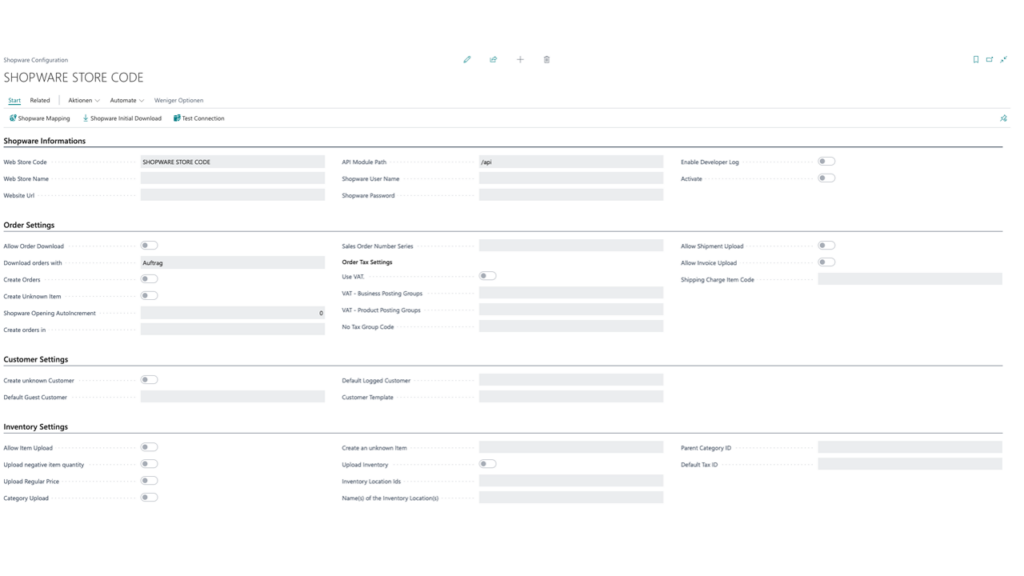
Install the Shopware 6 API Connector from Microsoft AppSource in Business Central. Enter your Shopware API credentials (shop URL, client ID and client secret from the Shopware admin).
Run the connection test and configure sync directions for items, prices, inventory, customers and orders. Docs: docs.solutioo.de.
Note: DPD shipping is documented separately: DPD Connector Help.
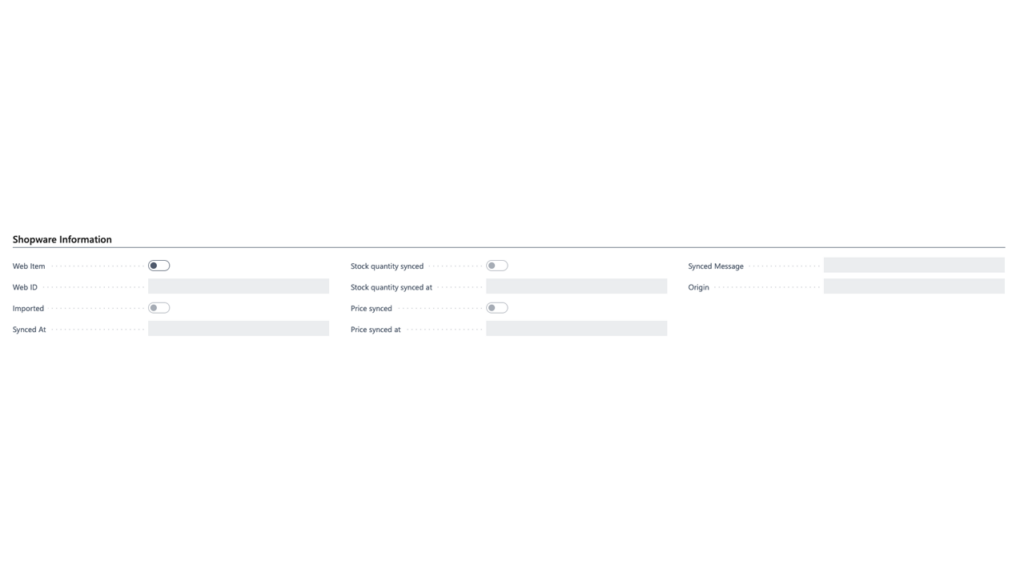
Synchronization runs through the job queue in Business Central. You define intervals and data objects. Critical changes (e.g. orders) can be triggered automatically.
Check the activity log on errors and re-run failed jobs after fixing the cause.
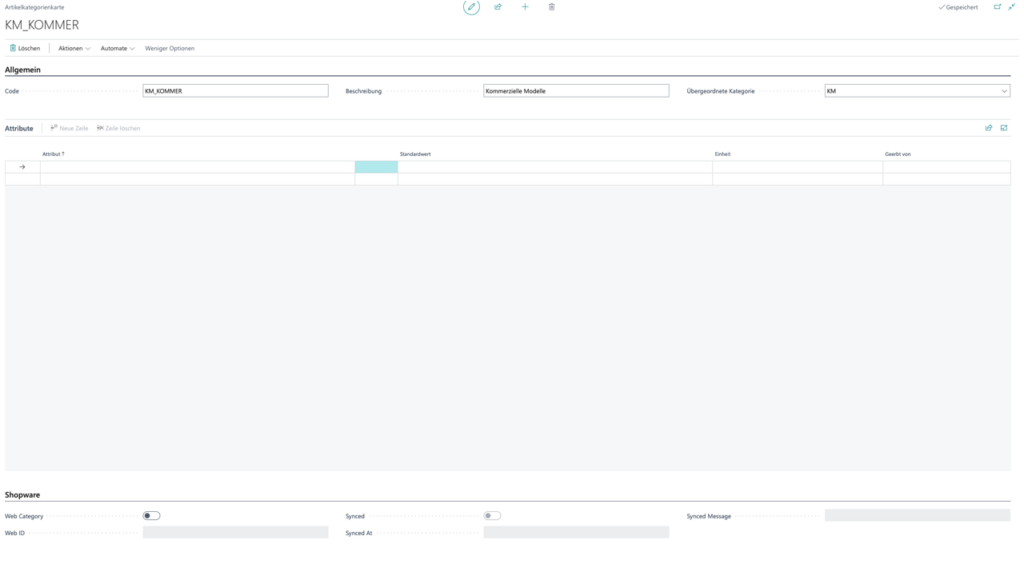
With the mapping engine you assign payment methods, shipping methods, taxes, attributes and statuses to matching Business Central values — directly in the ERP, without coding.
Multi-store setups are supported. API and activity logs keep every run traceable.
We'll happily assist you with all your questions and troubles regarding our Business Central Applications.