Case study · Business Central & DHL Connector
Logo 1. FC Kaiserslautern

Ticket shipping from Business Central – on time before every home match

When the “Red Devils” take the field at Fritz-Walter-Stadion, tens of thousands of fans cheer them on. But before the team can celebrate, another team has to deliver: the shipping department of 1. FC Kaiserslautern. Before every home match, thousands of tickets must reach fans on time – with Microsoft Dynamics 365 Business Central and the DHL Connector from solutioo.

Thousands
Tickets before home matches
DHL
Connector in Business Central
Custom
Batch print via Azure Universal Print
Client file

1. FC Kaiserslautern

Industry
Football · Ticket shipping
Project
DHL Shipping Labels for Business Central with custom app
Location
Kaiserslautern

For a traditional club like FCK, one thing is clear: tickets must reach fans with absolute reliability. Delays put matchday attendance at risk – and trust in the club. With the ERP Microsoft Dynamics 365 Business Central and the DHL Shipping Labels app from solutioo, the shipping team handles the peak before every home match.

Challenge & solution

From an error-prone CSV process to a direct DHL workflow

The requirements were clear:

  • A fast, stable and error-free shipping process
  • Seamless integration into the existing ERP (Business Central)
  • Automatic tracking for maximum transparency
  • Bulk processing of hundreds of orders in a short time

The previous system had major weaknesses: error-prone CSV exports and imports into external portals, manual steps, and no real-time visibility into whether shipments were actually on their way. The result: heavy time pressure, risk of mistakes and – at worst – late ticket delivery.

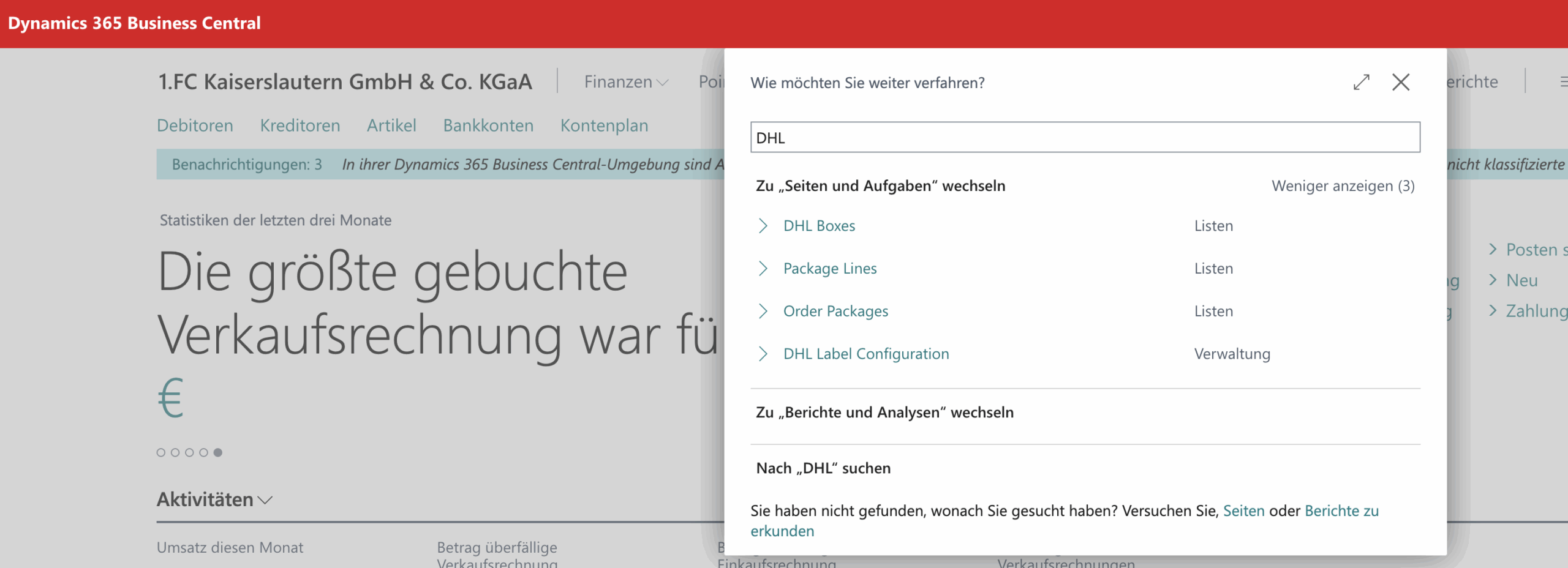
FCK chose to introduce the DHL Connector for Microsoft Dynamics 365 Business Central from solutioo – including a custom feature for batch printing shipping labels via Azure Universal Print.

With the DHL Shipping Labels app, 1. FC Kaiserslautern sped up ticket shipping dramatically (hundreds of labels in minutes), eliminated CSV files, made tracking visible directly in Business Central, and improved the fan experience (tracking numbers by email automatically).

With the DHL Connector, a complex, error-prone shipping process becomes an efficient, stable and transparent workflow directly in Business Central.

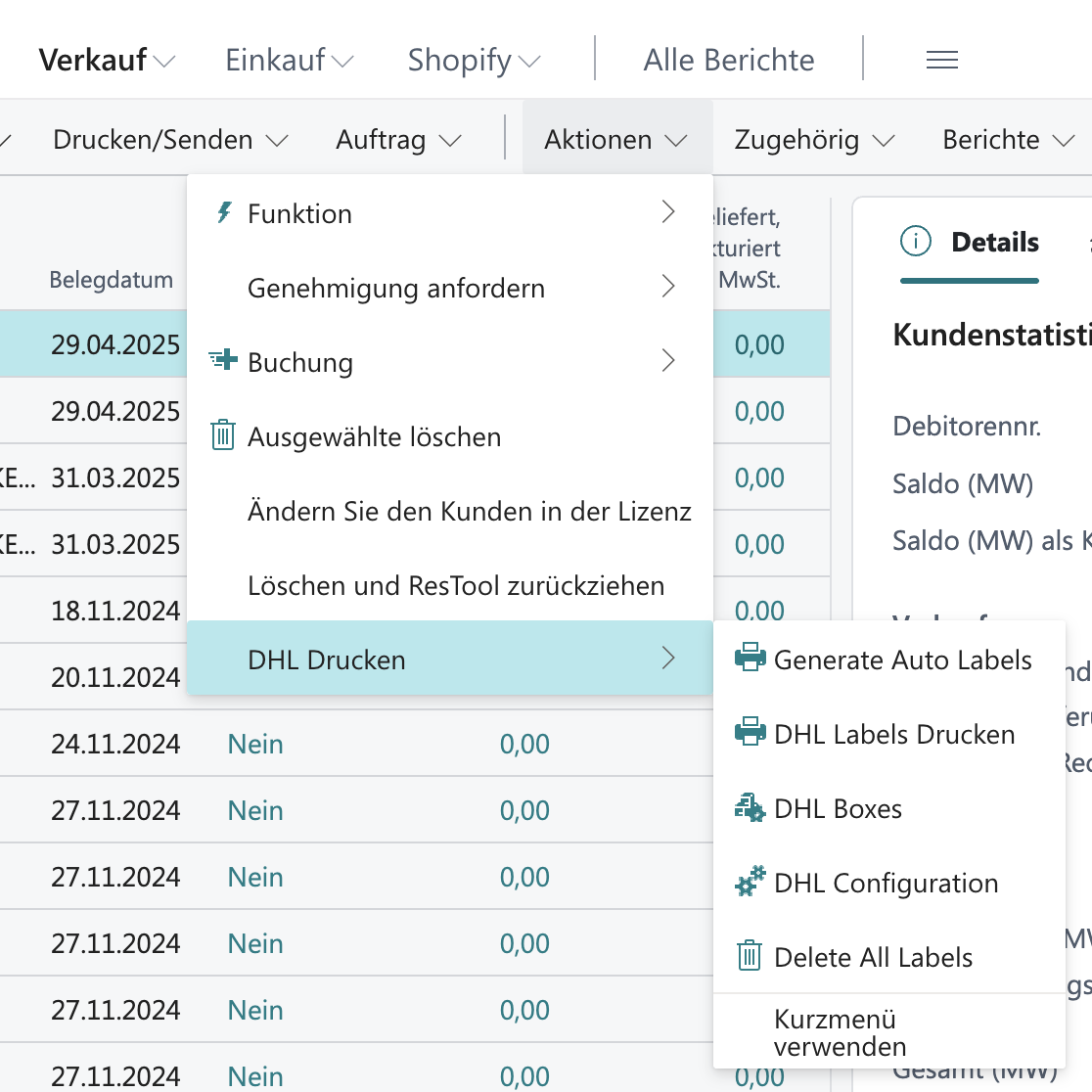
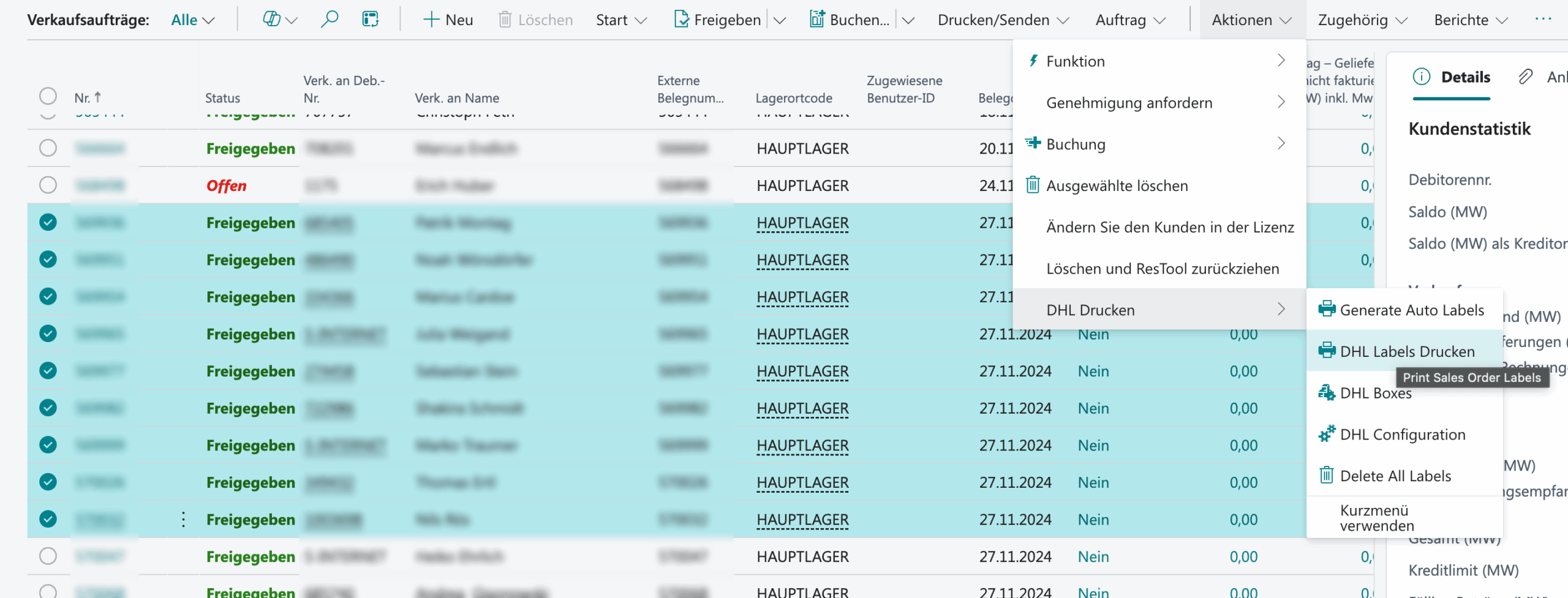
Select sales orders – the basis for batch printing
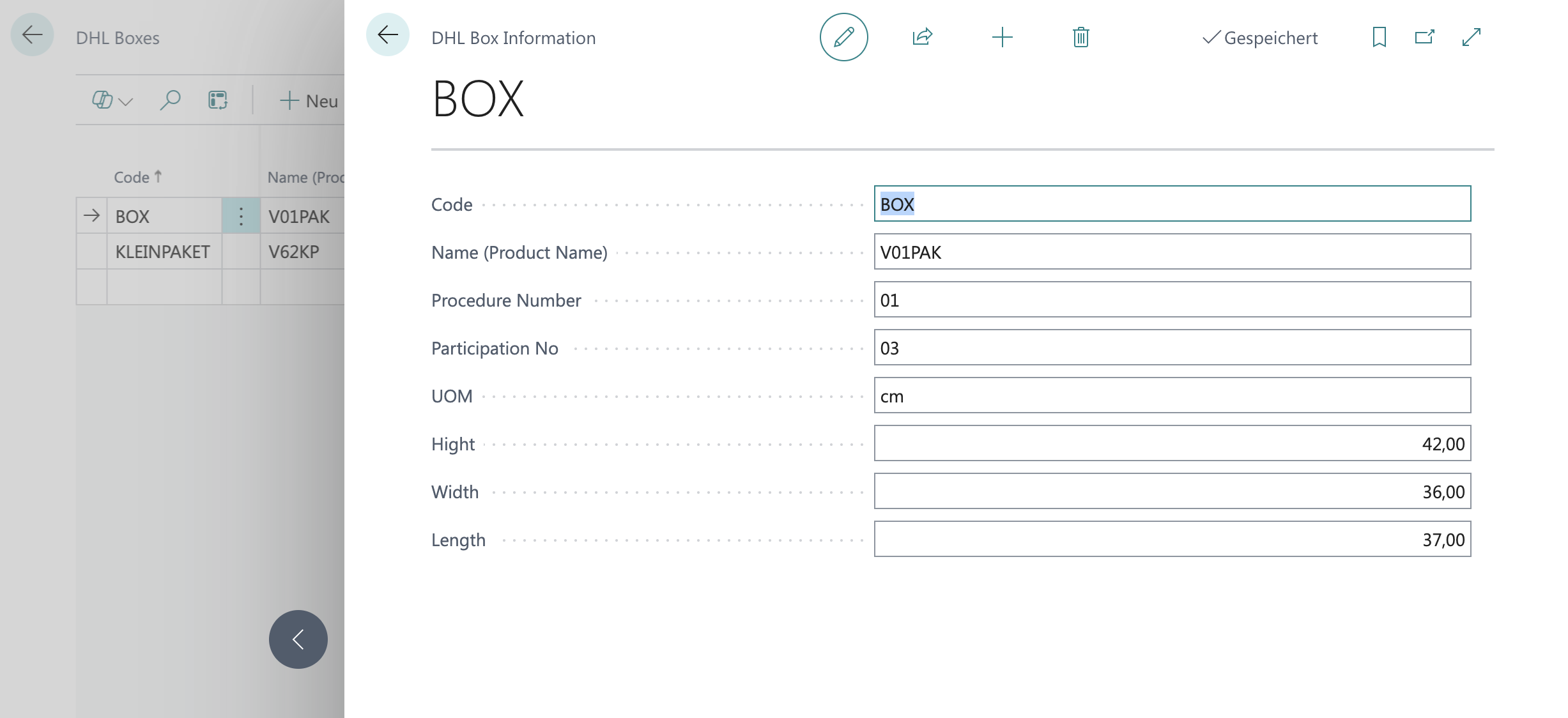
Set the right parcel size for many orders in one click
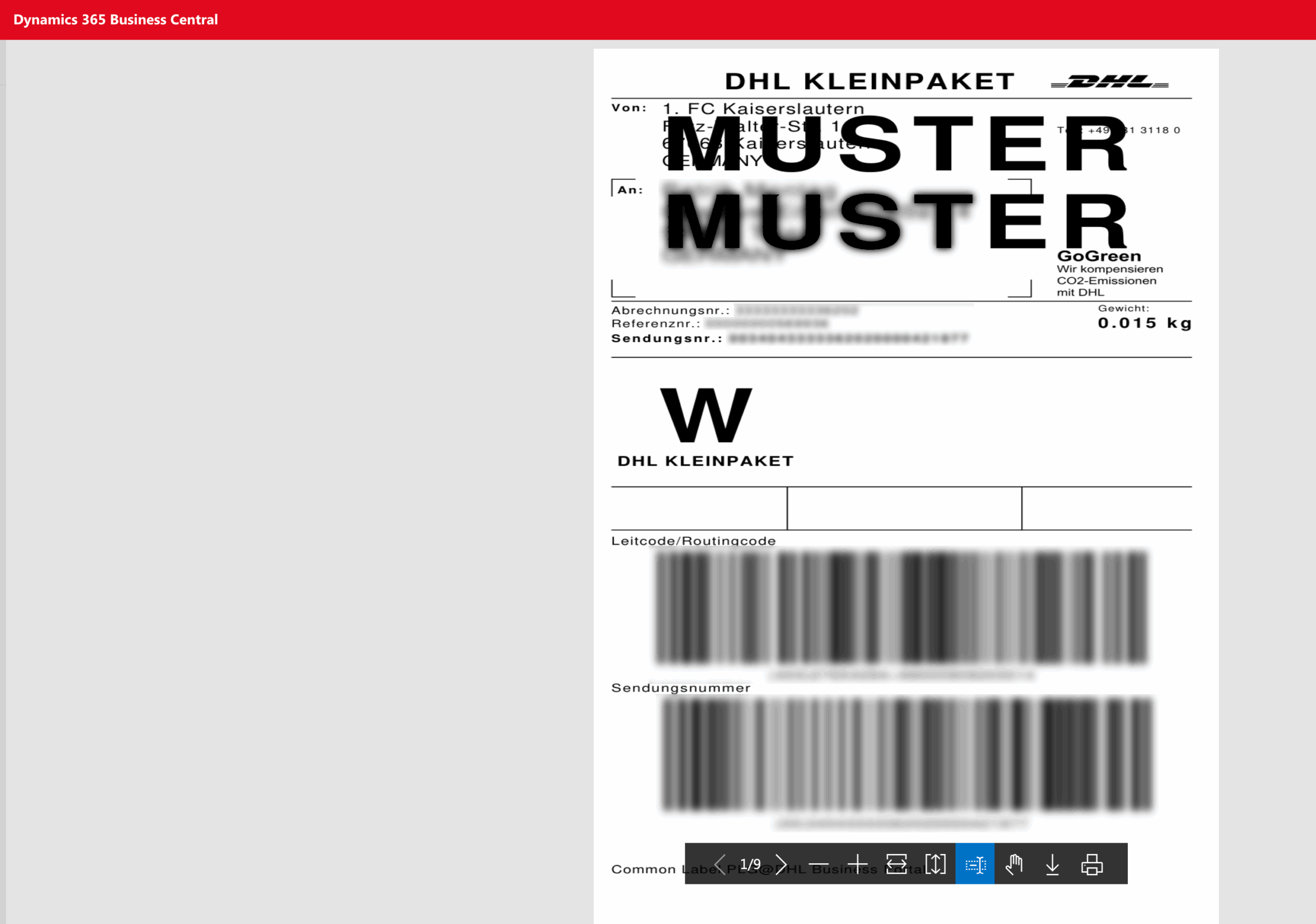
Create and print shipping labels at the same time
Shipment number and tracking link on the sales order
Default printer & report layout (e.g. Azure Universal Print)
Key features

What FCK uses in production.

Direct DHL API

No more CSV files – a direct API connection to DHL from Business Central.

Parcel size & weight

Automatic calculation from item and master data; bulk override for hundreds of ticket orders.

Address validation

Errors are caught immediately – before labels are printed and parcels leave the building.

Tracking for fans

Tracking details in one click or automatically by email to fans.

Custom: batch print

Shipping labels in batches via Azure Universal Print – including default printer and report layout.

Sandbox & live

Test safely before go-live; billing via the DHL business customer account.

Nächster Schritt

Planning a similar project?

Whether ticket shipping, bulk labels or custom batch print: we will show you the DHL Connector with no obligation – also on Microsoft AppSource.