
There are two layers in the shop: the EU notice for the legal guarantee, and optional GARAN for the manufacturer’s voluntary durability guarantee. Both stay separate.
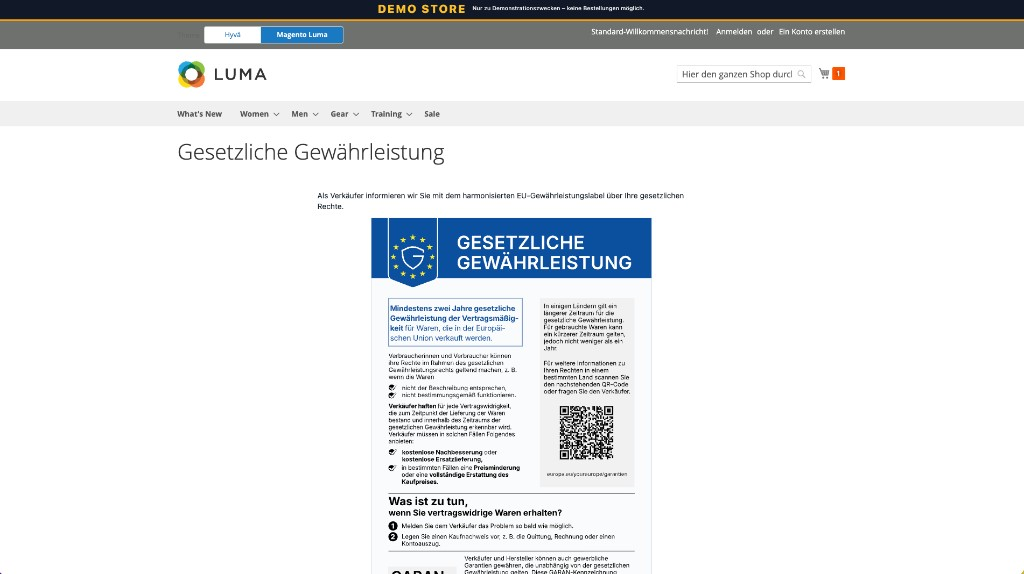
Shows legal guarantee rights and keeps them clearly separate from manufacturer promises.
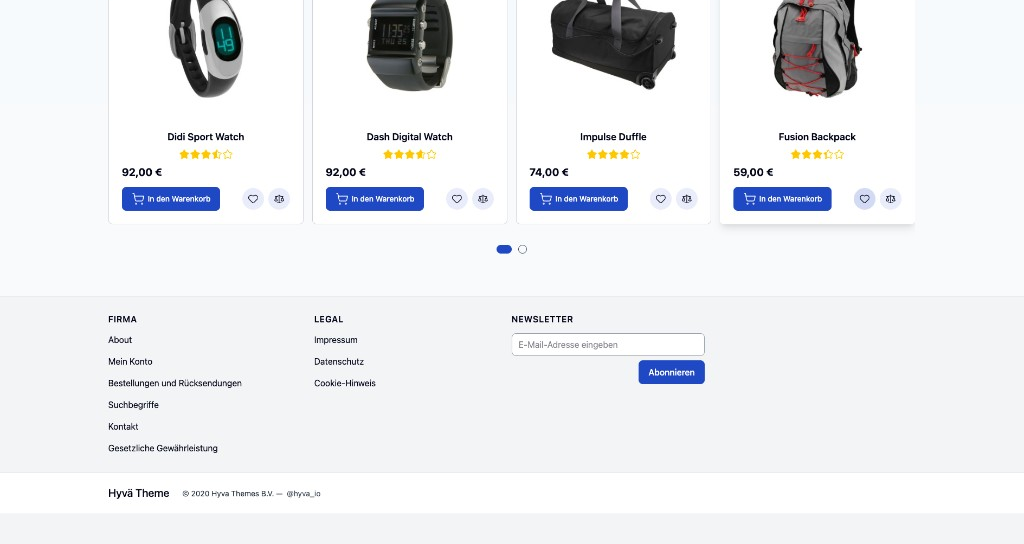
Full notice on its own page. In the footer as a link or a prominent strip, switchable in admin.
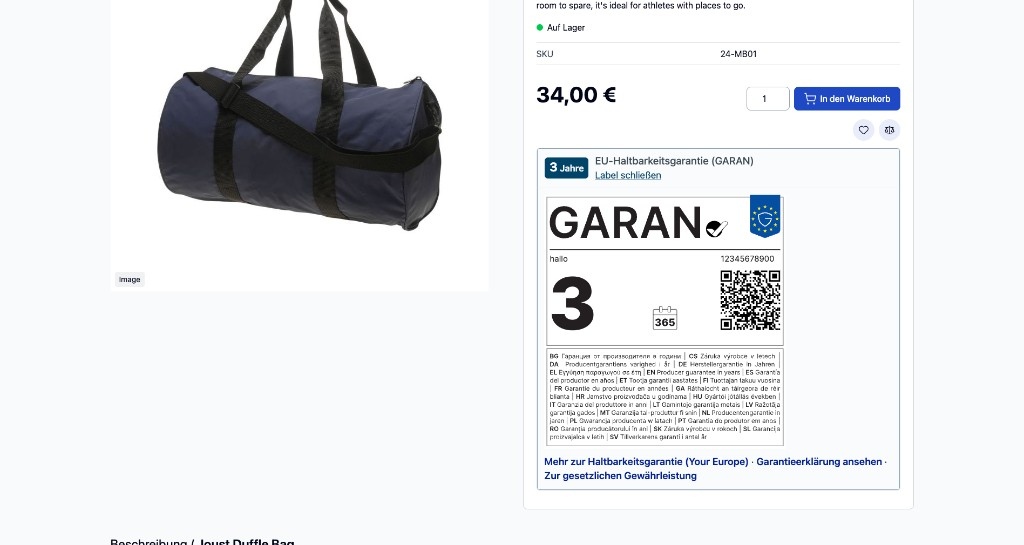
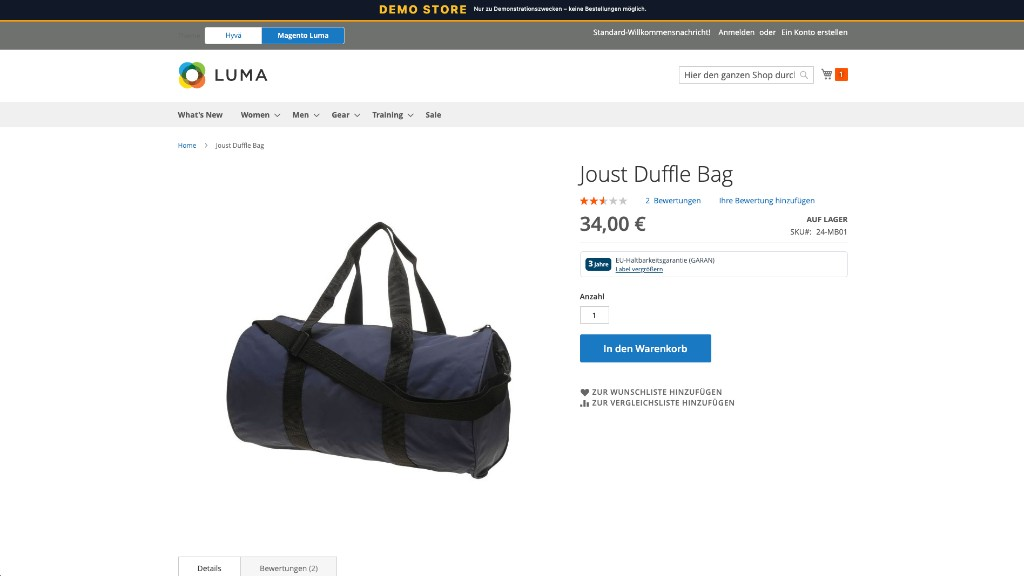
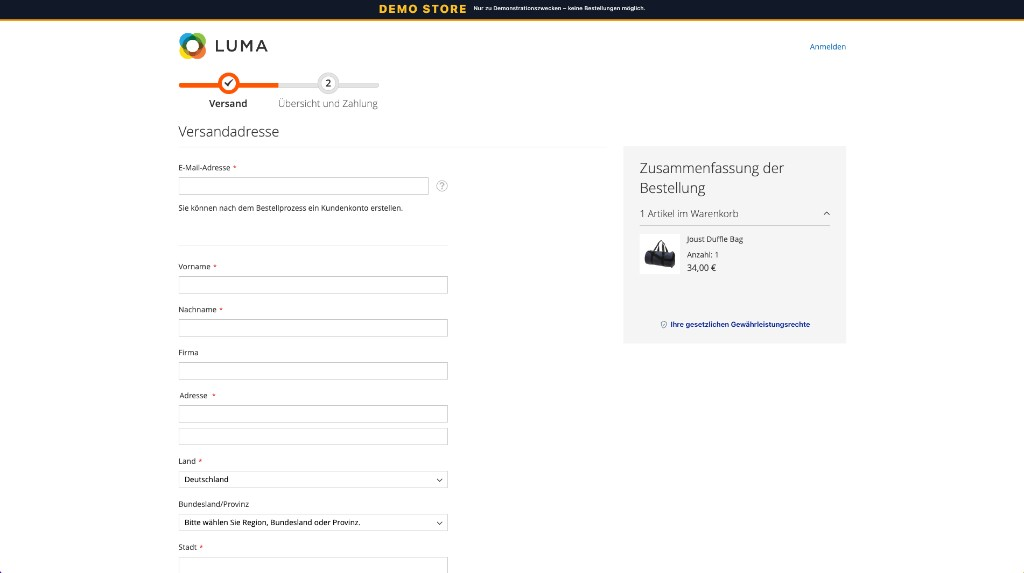
Short notice under the cart buttons, without a theme patch. Checkout placement can depend on the theme.
Only when enabled, duration longer than two years, and brand plus model are maintained.
Prepared variable for the GARAN text. You still need to add it to the email template.
On/off, footer style, language and Your Europe link. Optionally maintain data via the Magento API.
Install the module (via code or Composer). You need our base module and Magento Core.
Under Stores → Configuration → Solutioo → EU legal guarantee / GARAN, enable the module and set footer, language and Your Europe link.
Only real products: enable, duration greater than two years, brand and model. Optionally an explanation via CMS, file or link.
Add the GARAN variable to the order email, add the legal notice, and have the display legally approved.
Not a replacement for terms, withdrawal or imprint. No automatic legal review. And no finished email template for every theme: you often still need to add the legal notice to the mail manually. For GARAN, the building block is ready. Just because something is visible in the shop does not mean the full requirement is met. Without mail and legal sign-off, the last step is often missing.
Check before go-live: module on, footer, info page and cart checked, GARAN only on real products, order email with GARAN notice and legal text, legal approval, clear the cache after settings.
The EU notice covers legal guarantee rights. For many online shops that is mandatory. GARAN is a voluntary, free manufacturer durability guarantee for the whole goods, longer than two years. It may only appear when that is actually true.
No. The module implements the display. Whether that is enough for your case is for you and your legal counsel. It replaces neither terms nor withdrawal nor imprint.
No. It only depends on the base module and Magento Core. The cart notice needs no theme patch. Checkout placement can depend on the theme.
Via the Magento API: single items, bulk update or import. The integration needs the right permission. The storefront stays unaffected.
Only when enabled, duration greater than two years, and brand plus model are set. Otherwise GARAN stays hidden.
Yes. It is free on GitHub at github.com/solutioo365, including the base module and EU legal guarantee / GARAN.
Just get in touch. We help with setup, customisation and styling. Write to us via the contact form.
View matching solution →
View matching solution →
View matching solution →
We are happy to discuss our services and your requirements with you.