
Group products with live pricing, quantity logic and optional ERP connection – managed in the Shopware admin.
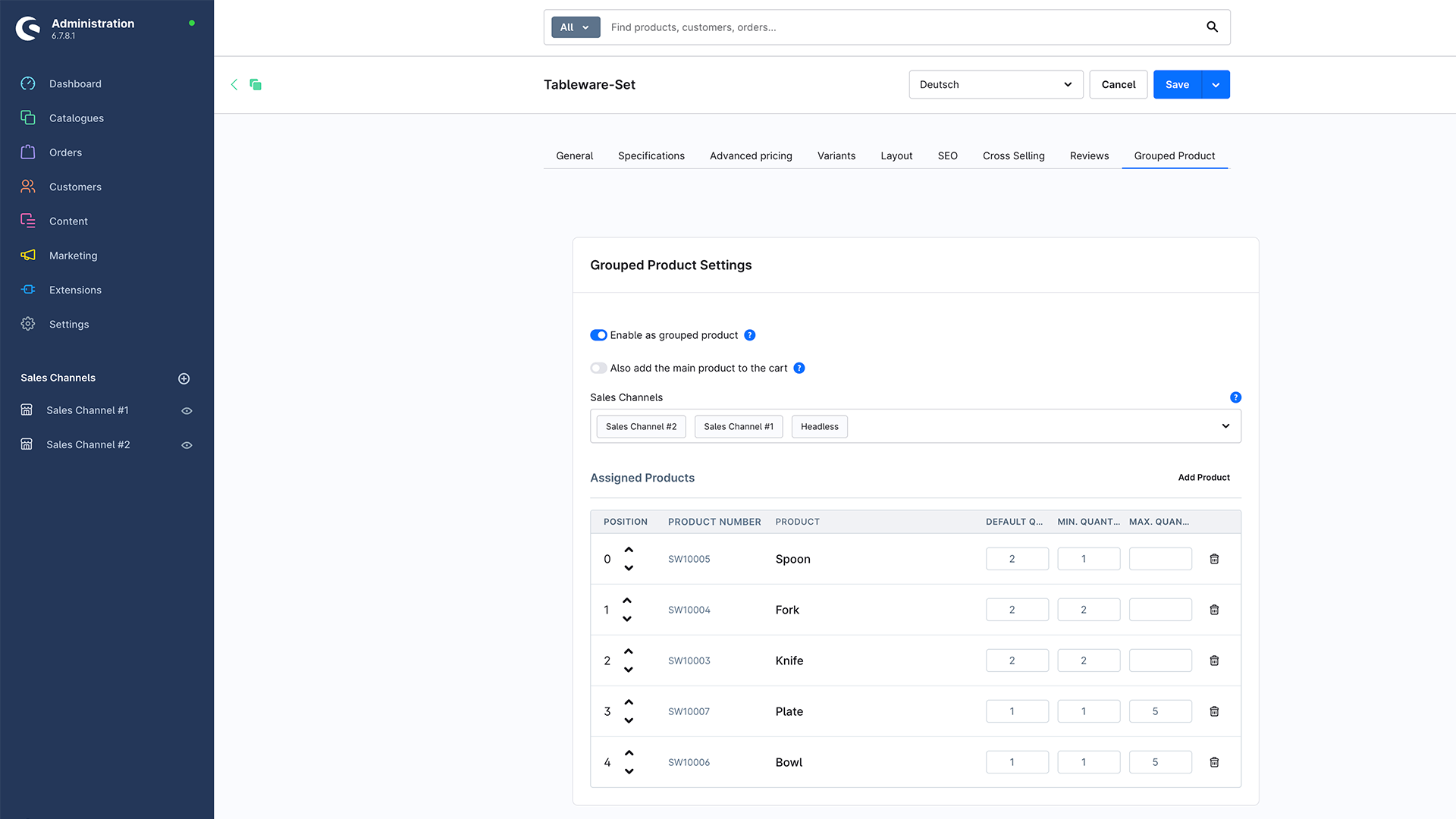
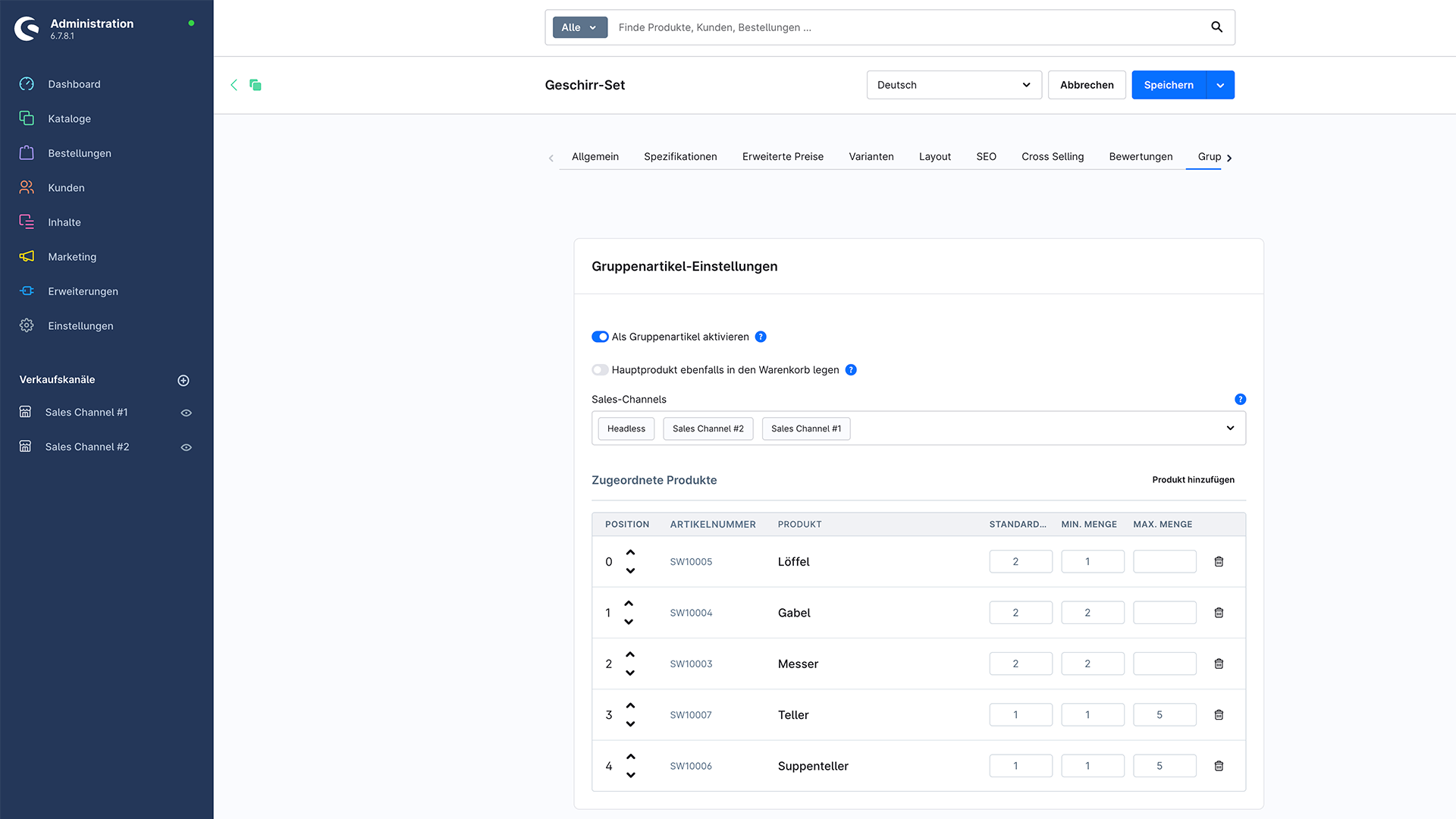
Mark products as group products and assign as many items as you need.
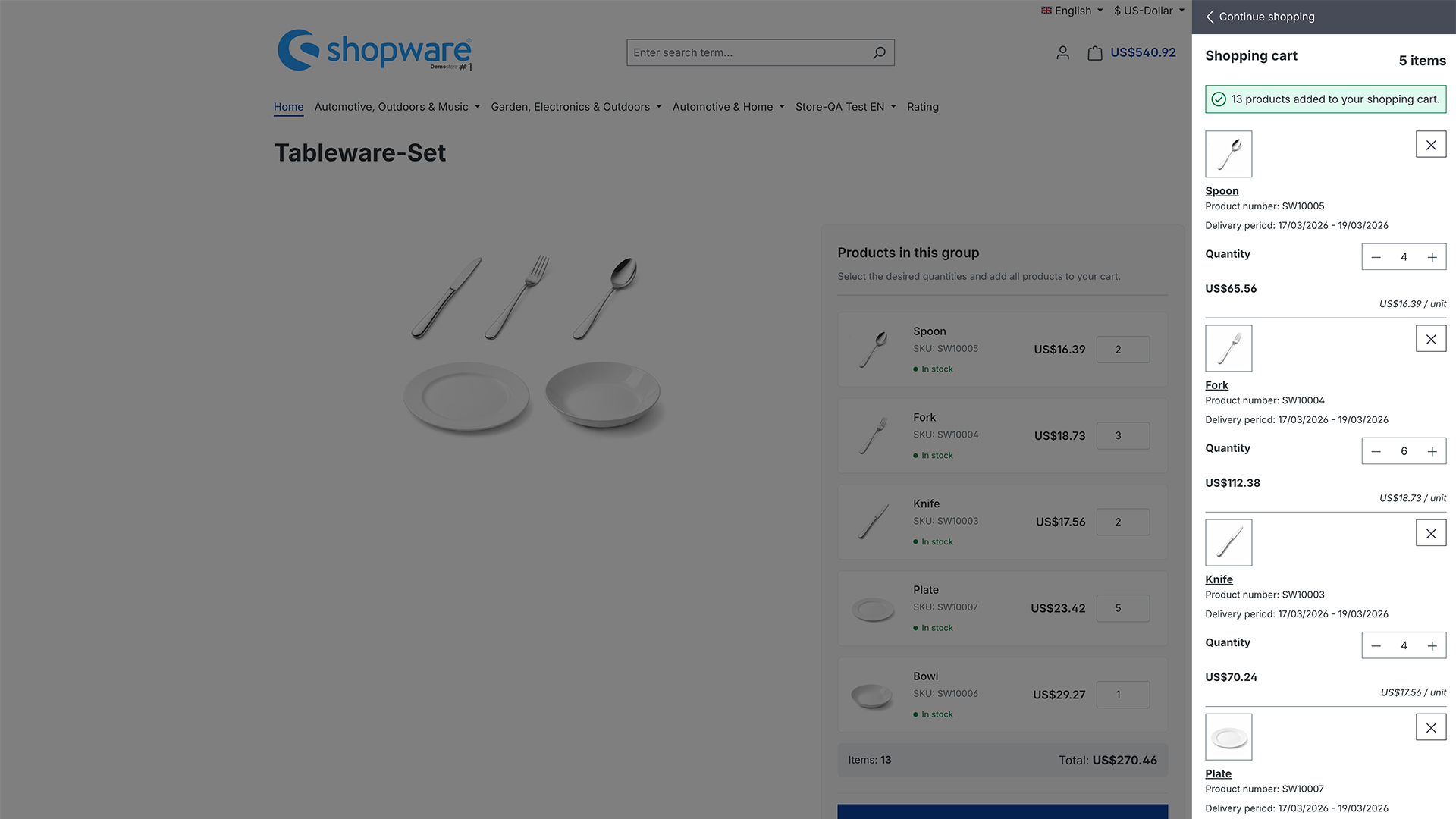
Total price and item count update live in the storefront.
Optionally add the main product to the cart – configurable per item.
Restrict group products to specific sales channels.
Create and manage group products programmatically.
Business Central integration is possible.
Add the app from the Shopware Store to Shopware 6.
Mark a product as a group product and assign related products.
Set position, default/min/max quantity and sales channels.
Live price and stock status appear on the product detail page.
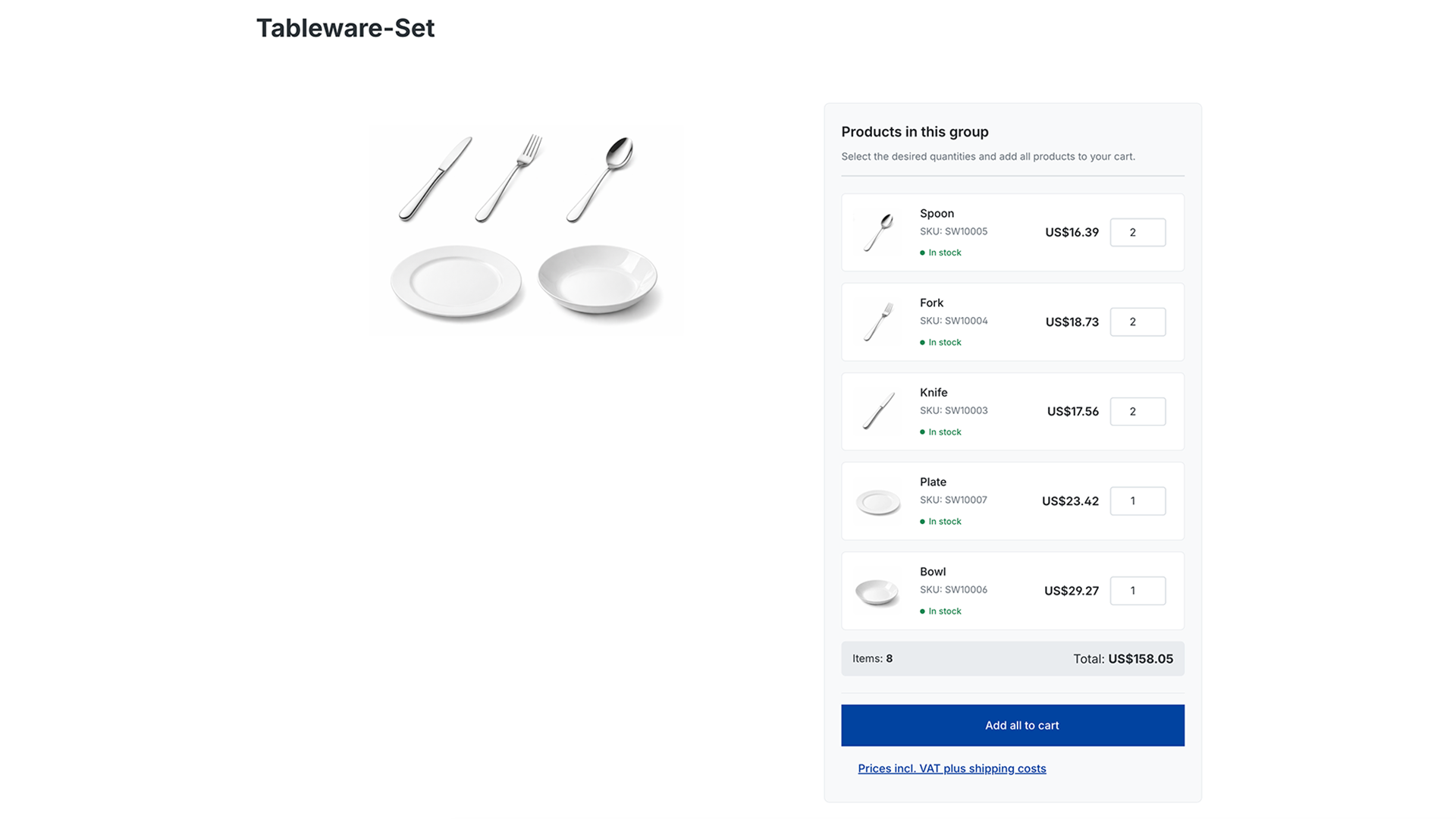
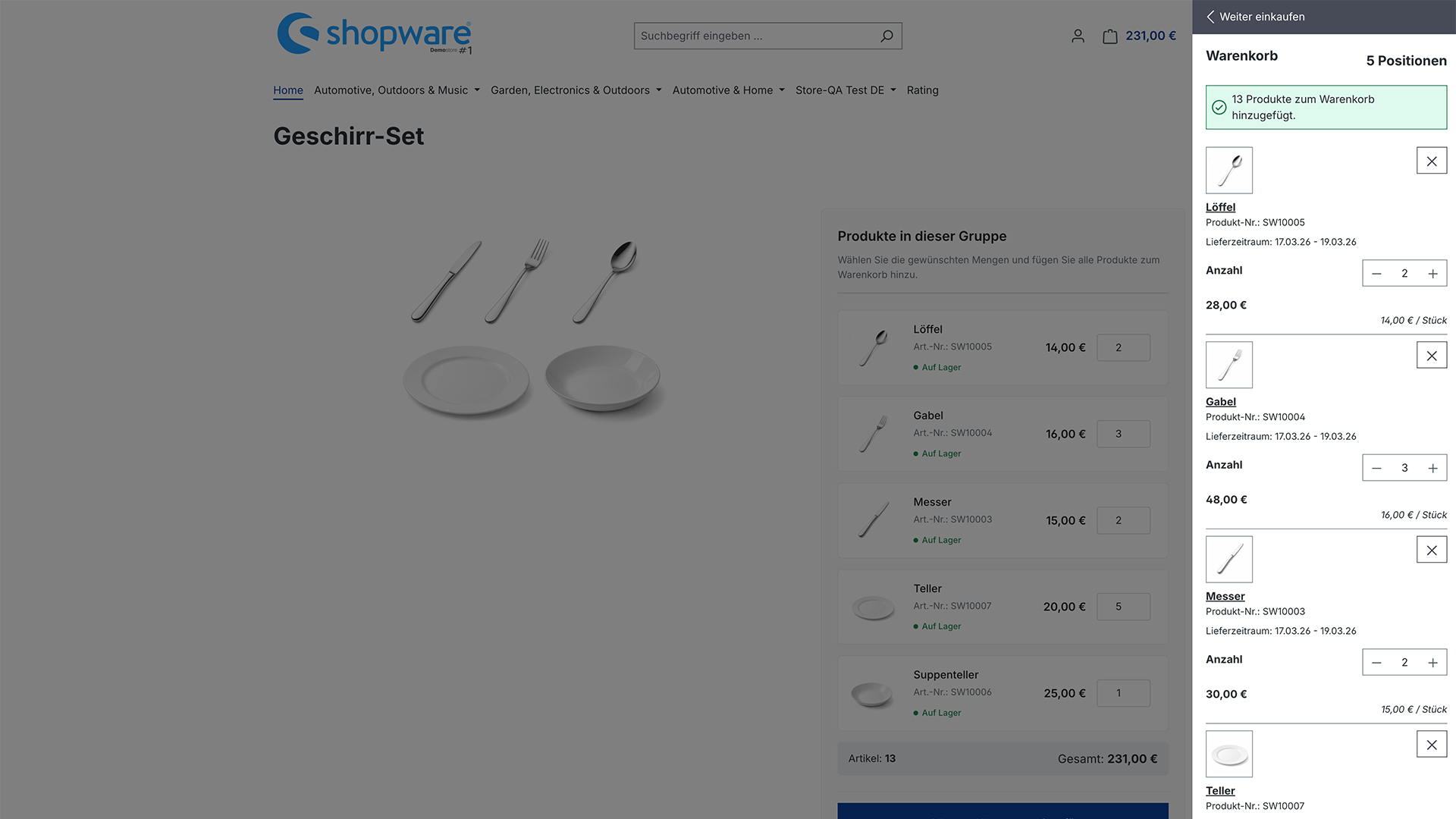
Combine several products into group products or sets – with live pricing, quantity logic, sales-channel control and REST API.
Yes. Total price and item count update live in the storefront as quantities change.
Yes, optionally. The setting is configurable per item.
Yes, a Business Central integration is possible.
View matching solution →
View matching solution →
View matching solution →
We are happy to discuss our services and your requirements with you.